Designers and crafters often need lettering that feels personal but remains easy to read. The Kayla Outline Font delivers exactly that. It is a cute, versatile handwritten typeface featuring hollow letters. Because of its warm and jovial personality, it works perfectly for everything from wedding invitations to custom t-shirt decals. Whether you are a small business owner or a weekend hobbyist, having a reliable hollow script in your library saves time during the design process.
How does this hollow lettering style work for crafting projects?
Crafters using cutting machines like Cricut or Silhouette often prefer outline styles because they save material and reduce weeding time. Instead of filling in a solid block of vinyl, the machine only cuts the perimeter of the letters. This flexible design allows you to layer different colored vinyl underneath to create a multi-dimensional effect. Alternatively, you can use the outline as a stencil and fill the centers with watercolors, alcohol markers, or metallic pens. The built-in language support also ensures you can create personalized gifts in multiple languages without missing special characters or accents.
Which types of businesses benefit most from a romantic handwritten look?
Small businesses and print-on-demand sellers rely on typography that builds a friendly, approachable brand identity. A romantic, hand-drawn aesthetic makes commercial products feel custom-made and thoughtful. If you are designing greeting cards, nursery wall art, or coffee mugs, this jovial style connects well with buyers looking for unique gifts. Sometimes you might need a slightly different vibe for a specific client request. For instance, you might browse a delicate script typeface for a minimalist bridal brand, or look into playful lettering options when designing back-to-school supplies for teachers. Having a variety of fonts ensures you always meet exact client expectations.
What software do you need to access the extra glyphs?
One of the most practical features of this typeface is that it is fully PUA encoded. This means you do not need expensive, professional design software to access the extra swashes, ligatures, and alternate characters. If you are using basic, free programs like Canva, Cricut Design Space, or standard word processors, you can still copy and paste the special glyphs directly from your computer's character map. This accessibility is incredibly helpful for creative hobbyists who want professional results without a steep learning curve. If your current project requires an entirely different texture, you might explore a craft-style lettering set to add a raw, organic feel to your layout.
How can you pair this outline typeface with other styles?
Outline fonts look best when contrasted with solid, weighted typefaces. Since the letters are hollow, pairing them with a thick brush script or a clean sans-serif creates a balanced visual hierarchy. You can use the outline style for the main title and a solid font for the smaller details. Color choice also plays a big role here; a pastel outline over a dark background creates a striking neon effect. For a nostalgic project, combining it with a retro lettering choice creates an interesting mixed-era design. Alternatively, if you are working on a modern feminine brand, testing it alongside the maddison lettering option can give your composition a highly polished, editorial look.
What is the best way to prepare your files for printing?
When preparing designs for sublimation or direct-to-garment printing, ensure your canvas resolution is set to at least 300 DPI. Since outline fonts consist of thin lines, they can sometimes appear faint if printed at a low resolution. Expanding the stroke slightly in your design software can help the text remain crisp and legible on textured materials like canvas tote bags or ceramic tiles. Always do a test print on regular paper before committing to your final transfer paper to check the line weight.
Quick setup checklist for your next project
- Install correctly: Download and install both the OTF and TTF files to your computer, though OTF is generally preferred for design work.
- Locate alternates: Open your system's Character Map (Windows) or Font Book (Mac) to easily copy the PUA-encoded swashes.
- Test your cuts: Cut a small sample on scrap vinyl if you are using a plotter to ensure your blade depth is accurate for the thin lines.
- Create contrast: Always pair your outline text with a high-contrast solid background or a secondary bold font to maintain readability.
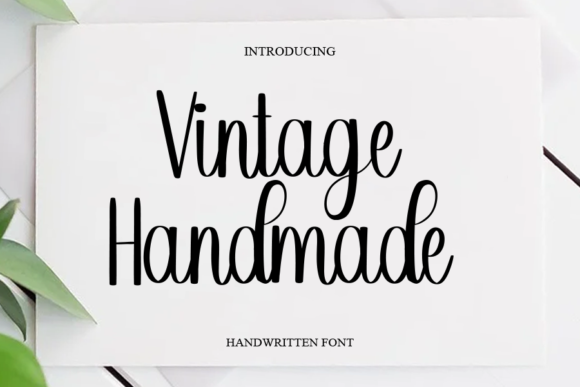 Elevate Your Designs with a Vintage Handmade Font
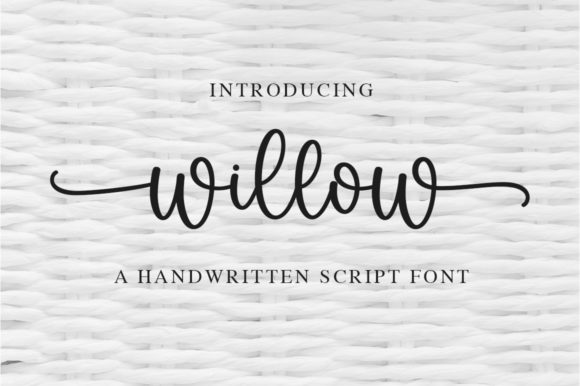 Willow Font: Elegant Typography for Creative Projects
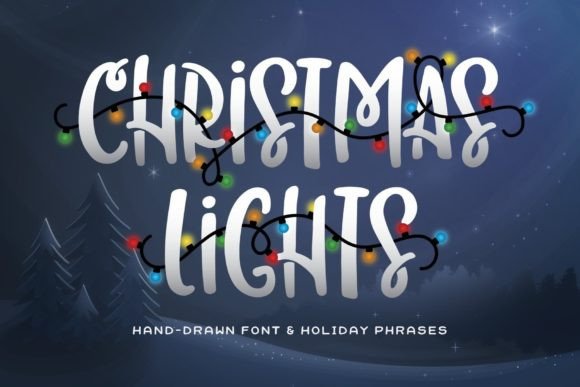 Elevate Holiday Designs with a Christmas Lights Font
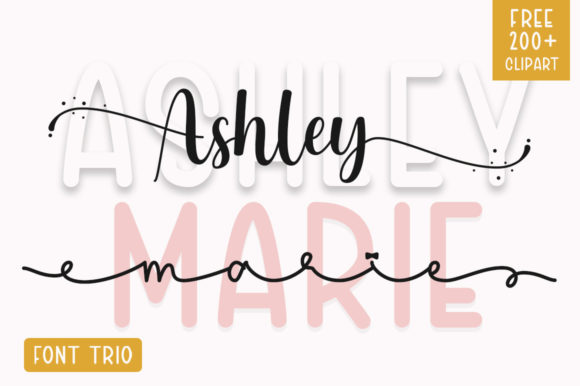 Ashley Marie Font: Elevate Your Creative Projects
 Best Photography Font Pairings for Portfolios
 Creative Project Ideas for Brown Carolina Duo Font