Choosing the right typography for a branding project or wedding invitation can take hours of browsing. If you need a classic look, the Old String Font offers a ready-made solution. This typeface is actually a duo that combines an elegant vintage serif with a graceful, quill-style script. It gives designers, crafters, and small business owners a reliable way to create refined, heritage-inspired layouts without having to hunt down matching typefaces.
What kind of projects work best with a vintage serif and script duo?
When you are working on designs that require a touch of warmth and artistic character, mixing a structured serif with a handwritten flow is a standard practice. This specific combination shines in several distinct areas:
- Wedding stationery: The script works beautifully for the names of the couple, while the serif handles the venue details and dates cleanly.
- Product packaging: Small businesses selling artisan goods, like specialty coffee or handmade soap, can use the serif for the brand name and the script for descriptive taglines.
- Editorial layouts: Magazine spreads or blog graphics benefit from the high contrast between the two styles, keeping the text readable but visually interesting.
- Logos and branding: A monogram or brand mark gains a sophisticated feel when using the quill script, grounded by the classic serif for the main company name.
How do you balance the two styles in your layout?
Getting the most out of a font duo means understanding visual hierarchy. The serif component provides structure. It is highly legible, making it the obvious choice for body copy or secondary information. If you are looking for more options in this style, you can explore other traditional typefaces in our collection of classic serif typography to see how they compare for different projects.
On the other hand, the quill script acts as your focal point. Because it mimics traditional calligraphy, it should be used sparingly. Stick to short phrases, headers, or signatures. If you try to write long paragraphs in the script, it becomes difficult for the reader to parse. Let the serif do the heavy lifting for information, and use the script to add personality to the composition.
Where can print-on-demand sellers apply this typography?
For those running Etsy shops or other print-on-demand businesses, having versatile assets is essential. This duo translates perfectly to physical products. You can use it for custom tote bags, engraved wooden signs, or premium greeting cards.
When designing for merchandise, keep the target audience in mind. A rustic wedding audience will appreciate the traditional, heritage feel of the letters. For apparel, the script looks excellent embroidered on a denim jacket or printed in gold foil on a dark t-shirt. Maintaining adequate spacing between these elaborate script letters ensures the final printed product remains crisp and legible, regardless of the material.
What software do you need to use these files?
Whether you are a professional designer or a creative hobbyist, these files come in standard formats like OTF and TTF. They install directly into your operating system just like any other program.
Once installed, you can access the characters in a variety of programs:
- Adobe Illustrator and Photoshop: Ideal for creating vector logos and complex branding kits.
- Cricut Design Space and Silhouette Studio: Perfect for crafters cutting vinyl decals or custom wedding signage.
- Canva and Microsoft Word: Great for small business owners quickly putting together social media graphics or printed invitations.
If the script includes alternate characters or swashes, you might need a program that supports OpenType features to access them. Basic word processors usually have a glyph panel or allow you to copy and paste from a system character map.
What should you check before finalizing your design?
Before you export your files or send them to the printer, run through this quick checklist to ensure your typography looks its best:
- Check your licensing: Ensure you have the correct commercial license if you plan to sell physical products featuring the font.
- Test readability: Print a sample of your design at actual size to verify that the delicate parts of the script are legible.
- Limit your colors: Stick to two or three colors to let the vintage details of the typeface stand out without distraction.
- Mind the kerning: Adjust the spacing between the serif letters if they look too tight when scaled down for business cards.
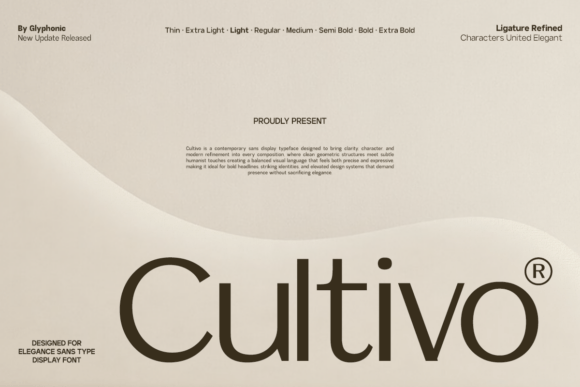 Cultivo Font: Versatile Typography for Modern Design
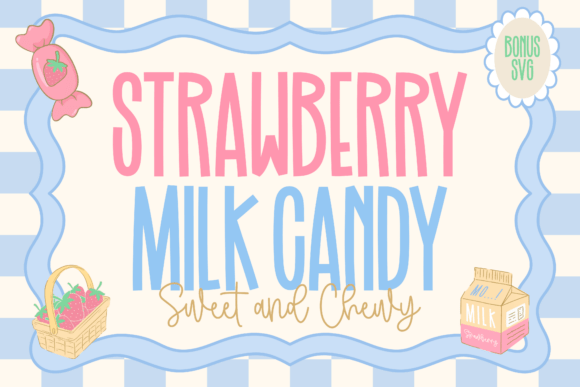 Create Sweet Designs with Strawberry Milk Candy Font
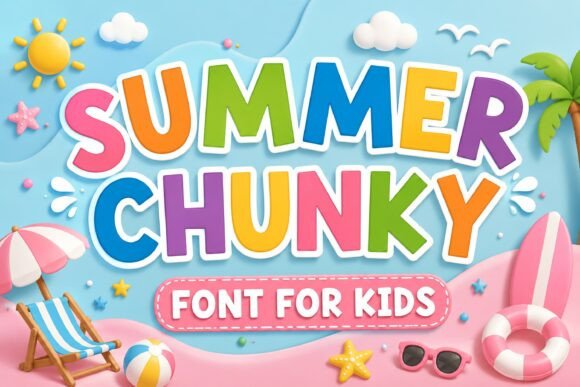 Creative Summer Chunky Font Design Ideas
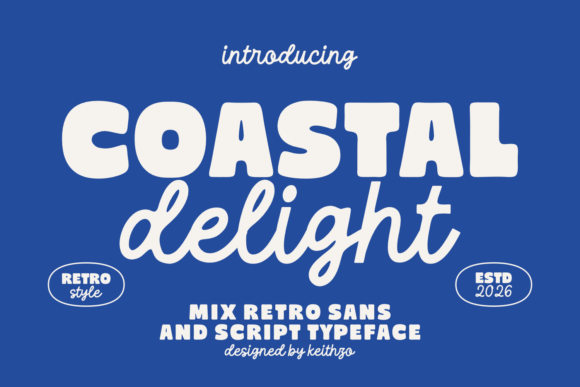 Coastal Delight Font: Breezy Design Inspiration
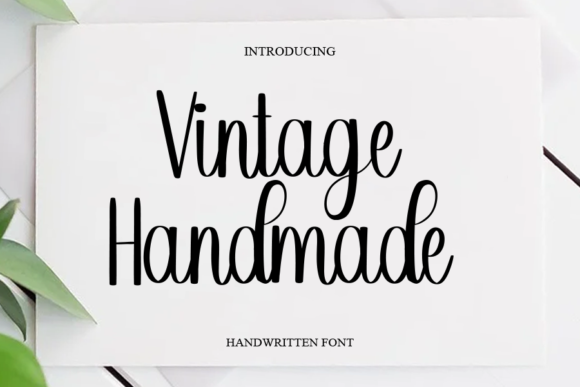 Elevate Your Designs with a Vintage Handmade Font
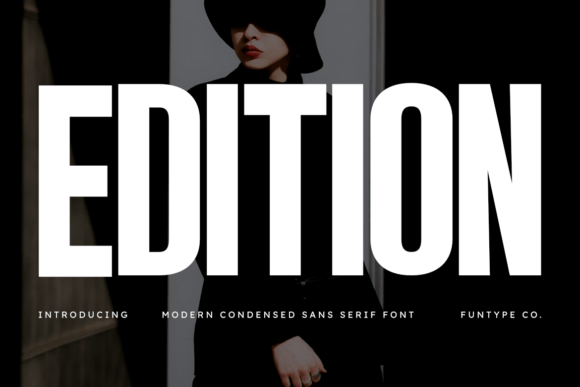 Edition Font: Creative Ideas for Editorial Design